Testing a map
Your compiled map runs like any map on a server, with its briefing, loadout menu, rounds and monsters, and started with one player slot it also gives you the engine's debug views and the cheat commands.
Starting the map
Type these commands in the console:
maxplayers 1
map co_mymap
To test with more players, start the map from Create Server.
With maxplayers 1, the map plays its normal game mode for one player, with the briefing, the loadout menu, the
spawn, the rounds, the monsters and the mission end, so Co-op and Bounty Killer maps run as they do for one player
on a server. A Battle Royale round needs two players, so on a br_ map you spawn once and no round starts. The start
of the map name sets the game mode, see Map names and spawns for more details.
SBO has no saved games, even though the engine's save and load commands exist in this session. If you load a save,
the map starts again from the beginning, and with developer 1 set in the console, the console shows Saved games are not supported: restarting <map>.
Debug views
These engine commands only work with maxplayers 1:
| Command | What it shows |
|---|---|
r_speeds 1 | At the top left: the frames per second, the time of a frame, wpoly (the world polygons drawn) and epoly (the polygons of the models drawn). Set con_notifytime above 0 to see it |
gl_wireframe 1 | The edges of the world's polygons |
gl_wireframe 2 | The same edges, also through walls |
r_drawentities 2 to 5 | Models as their bones, hitboxes or hulls |
TWHL's guide Total Map Optimisation
explains wpoly and epoly in detail.
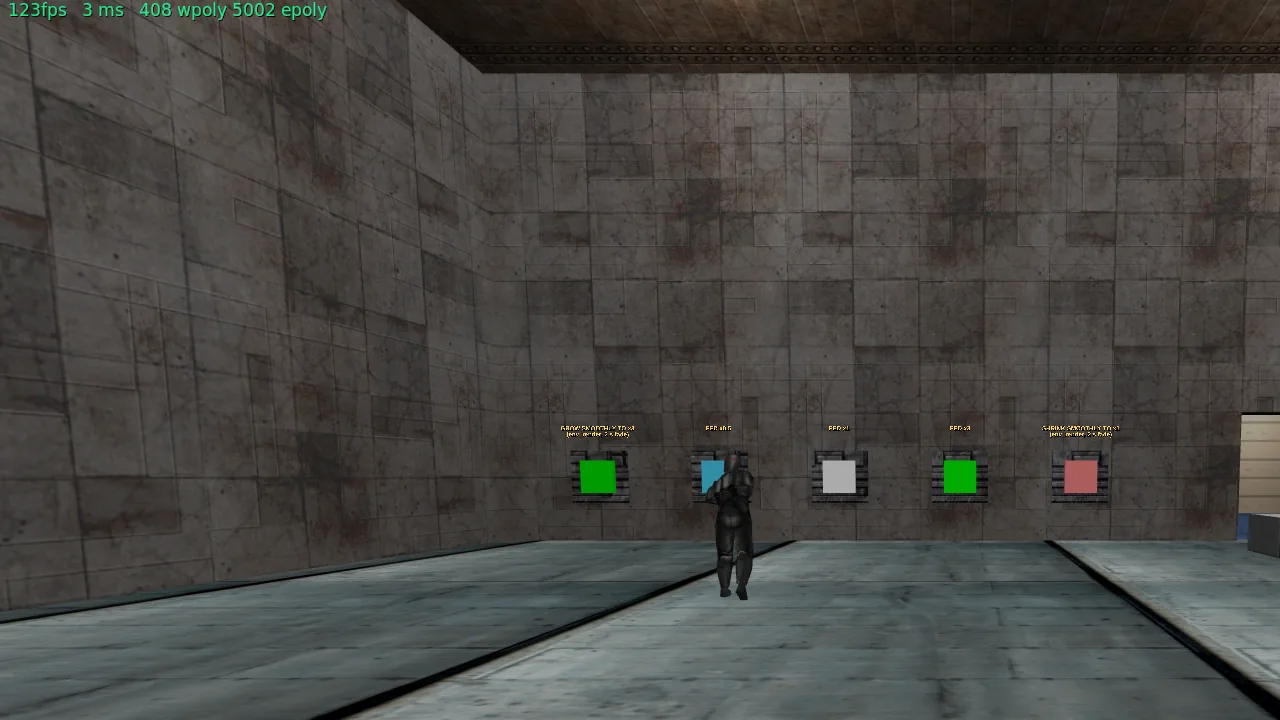
The r_speeds readout at the top left
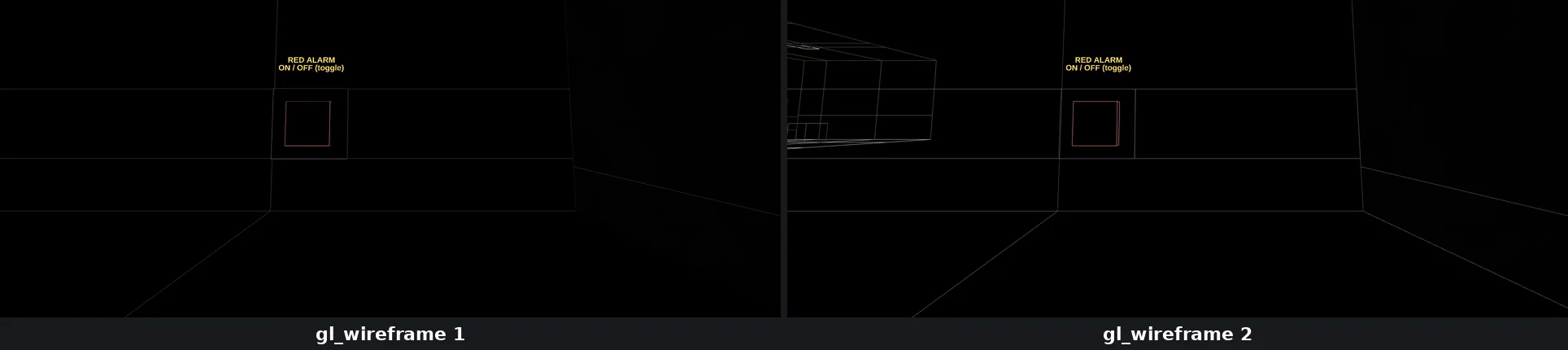
gl_wireframe 1 and gl_wireframe 2
Cheat commands
With sv_cheats 1 set in the console, the cheat commands let you become invulnerable, move
fast and fly through walls, and you can create, trigger, list, remove and show the map's entities from the console.
Console messages
With developer 1 set in the console, the console shows the game's messages about your map. These are the ones you
will see most often:
| Message | When you see it |
|---|---|
map_compat: ... | The compatibility file changes a key on the map, with one line for each entity |
materials: ... | The map's materials file has an error or goes over a limit |
Master was null or not a master! | An entity's Master names no entity, or an entity that isn't a master. See Masters and states for more details |
Bad or missing [LR] value ... | A locus number can't be worked out |
vgui_screen "...": the server has no ... | A world screen layout file is missing |
env_overlay: ..., point_worldtext: ..., env_static: ..., env_mirror: ... | A picture, font or model of the map is missing or can't be used, or the map has more than the limit |
Aurora: ... | A particle script is missing or has a mistake |
Video: ..., worldscreen: ... | A video, movie or world screen file is missing, refused or can't be read |
color_correction: ... | A color correction file can't be read |
Error parsing overview file ..., Couldn't load overview image ... | The map's overview file has a mistake, or a layer's image doesn't load |
If a sequence file has errors, the console shows them when the map loads, with the file
name and the line number. If your logic doesn't do what you expect, give an env_state or
a calc_state the flag Debug Mode (2), and with developer 1 set in the console,
the entity prints each trigger it gets and each result it works out.
Changes since 1.38
- Fixed a map started with
maxplayers 1restarting when you pressed Go in the loadout menu. SBO 1.38 treated a one-player game as Half-Life single player, which reloads the map when you spawn. You can now test a map alone with commands that only work in single player, such asgl_wireframe. This was a bug in SBO 1.38
See also
- Compiling - the compile tools and their settings
- Cheat commands - the console commands for testing
- Map names and spawns - how the map name sets the game mode
- Old maps - how SBO keeps older custom maps working
env_stateandcalc_state- the entities with Debug Mode